iPhone・iPad・Android の家具配置と間取り

その家具、
置けるか先に確かめる。

部屋の図面に家具を実寸(mm)で置いて、壁や家具とのすき間と通り道を数字で確かめます。間取り図の写真から縮尺を合わせられ、模様替えの案を並べて比べられます。保存も家具の数も制限はありません。

App Store・Google Play で配信予定

買い切りで全部の機能が使えます。アプリ内課金・サブスクリプション・広告はありません。
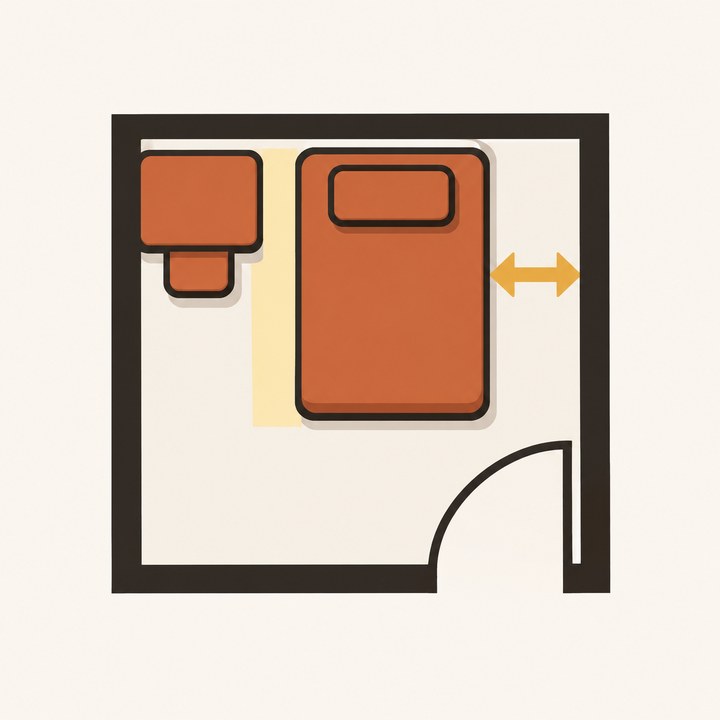
部屋の図面にベッドを置き、壁とのすき間を測るイラスト

こんな困りごとのために

保存や家具の数が有料

おきどころは買い切りです。保存も、家具や部屋や案の数も、制限はありません。

図面の縮尺が合わない

間取り図の写真や PDF を取りこみ、2点を選んで実際の長さを入れると縮尺が合います。ななめの写真は4隅で直せます。

置けるかが分からない

壁や家具とのすき間を数字で出し、重なりは赤、通り道が 60cm より狭い所は黄色で知らせます。ドアの開く範囲も描きます。

思いどおりに動かない

くっつき(スナップ)は切りかえられ、矢印で 1cm ずつ、長押しで 1mm ずつ動かせます。数字を入れて直すこともできます。

模様替えの前と後を比べたい

1つの間取りに置き方の案をいくつでも作り、2つを並べて比べられます。

作ったものが消えた

1つ動かすごとに保存します。毎日の控えとゴミ箱(30日)があります。通信は iCloud だけで、オフラインで使えます。

できること

図面写真・PDF の取りこみ・2点と長さで縮尺・4隅で傾きを直す・部屋を mm で描く・ドアと窓
家具よくある家具の寸法の目安・自分の家具(幅・奥行き・高さ・四角・円・L 字)
確かめるすき間の数字・重なりとはみ出し・通り道(幅を変えられる)・ドアの開く範囲・2点の距離
動かすスナップ・1cm と 1mm の微調整・90°と自由な回転・数字で直す
案置き方の案をいくつでも・2つを並べて比べる
データiCloud で iPhone と iPad をそろえる・毎日の控えとゴミ箱(30日)・画像・PDF・印刷・アカウントなし・解析と広告なし

使い方・プライバシーポリシー・利用規約もご覧ください。

Room layout and floor plans for iPhone, iPad and Android

Check that it fits
before you buy it.

Place furniture on your floor plan at real size (in mm) and check clearances to walls and other furniture, and walkways, in numbers. Set the scale from a floor plan photo and compare layout ideas side by side. No limits on saving or furniture.

Coming to the App Store and Google Play

One purchase unlocks everything. No in-app purchases, no subscriptions, no ads.

Illustration of placing a bed on a floor plan and measuring the gap to the wall

Made for these problems

Paying to save or for more furniture

Okidokoro is a one-time purchase. No limits on saving, furniture, rooms or layouts.

The plan's scale is off

Import a photo or PDF of your floor plan, pick two points and enter the real length. Straighten angled photos by their four corners.

Not sure it fits

Clearances to walls and furniture in numbers, overlaps in red, walkways under 60 cm in yellow, and door swings drawn.

Things don't move the way you want

Snapping can be turned off; nudge 1 cm with arrows, 1 mm with a long press, or type exact numbers.

Compare before and after

Make as many layouts as you like for one plan and compare two side by side.

Lost your work

Saved every time you move something, with daily backups and a 30-day trash. Only iCloud uses the network; it works offline.

What it does

PlansImport photos and PDFs, set the scale from two points, straighten by four corners, draw rooms in mm, doors and windows
FurnitureTypical sizes to start from, your own pieces (width, depth, height; rectangle, circle, L shape)
CheckClearances, overlaps and out-of-room, walkways (adjustable width), door swings, distance between two points
MoveSnapping, 1 cm and 1 mm nudges, 90° and free rotation, exact numbers
LayoutsUnlimited layouts, side-by-side comparison
DataiCloud keeps iPhone and iPad the same, daily backups and a 30-day trash, image, PDF and print, no account, no analytics or ads

See also Help, the Privacy Policy and the Terms of Use.